
Connect Your Own AI to Your Holdings, and What It Can't Do
You can connect the AI assistant you already use to your Moneyta account and ask it about your own portfolio. Here is what it can read, the four things it can run, and the long list of things it cannot do at all.
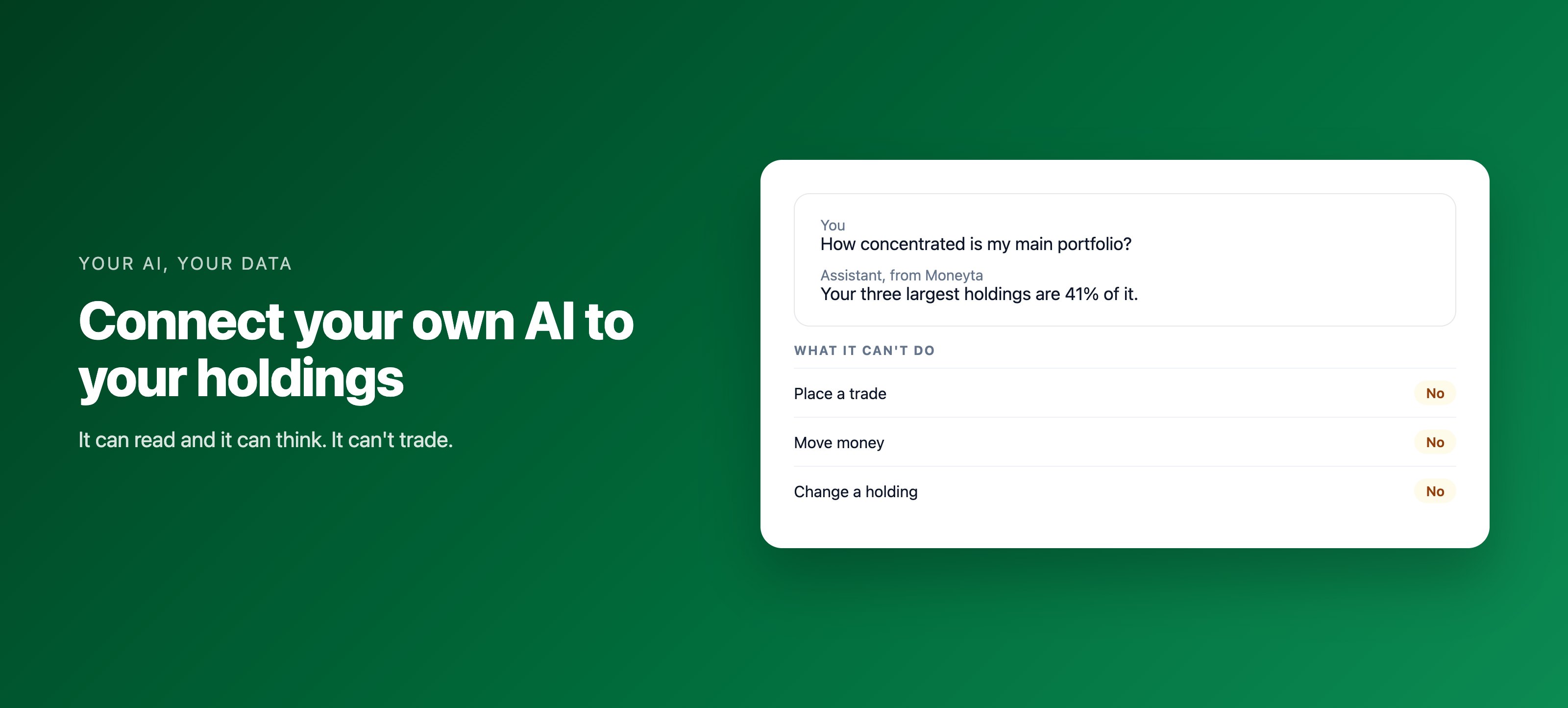
Many people already ask an AI assistant about their money. The trouble is that the assistant does not know what they own, so they paste numbers in, and the answers are only as good as the paste. A connector fixes that the right way: the assistant asks Moneyta for your data when it needs it, with your permission, and you can take that permission back at any time.
What it can read
- Your portfolios, holdings, net worth and its history, with your Vault left out entirely.
- Your Moneyta Score and its observations, and the two open scores beside it.
- Your ledger, cash flow and yearly report, your alerts and your tax-loss harvesting view.
- Research reports, price history and the filings behind them.
The four things it can run
Four tools do work rather than read: running a fresh analysis, explaining one observation, evaluating an idea you describe, and starting a research report. Each uses the same allowance it would in the app, and none of them writes to your holdings.
Try it on your own holdings. It takes about a minute.
Start freeWhat it cannot do
There is no tool to place a trade, move money, add or change a holding, or reach your broker. Our broker connections are read-only at the source, so even Moneyta itself cannot trade for you. An assistant connected to Moneyta inherits that: it can read and it can think, and that is all.