
Ask Claude or ChatGPT About Your Own Portfolio, With Your Real Numbers
Connect Moneyta to Claude or ChatGPT in about five minutes and ask about your own holdings: your score, your risks, your week. Here is what the connection looks like, two real answers on a sample portfolio, and what each side does with your data.
Why ask an assistant about your own portfolio
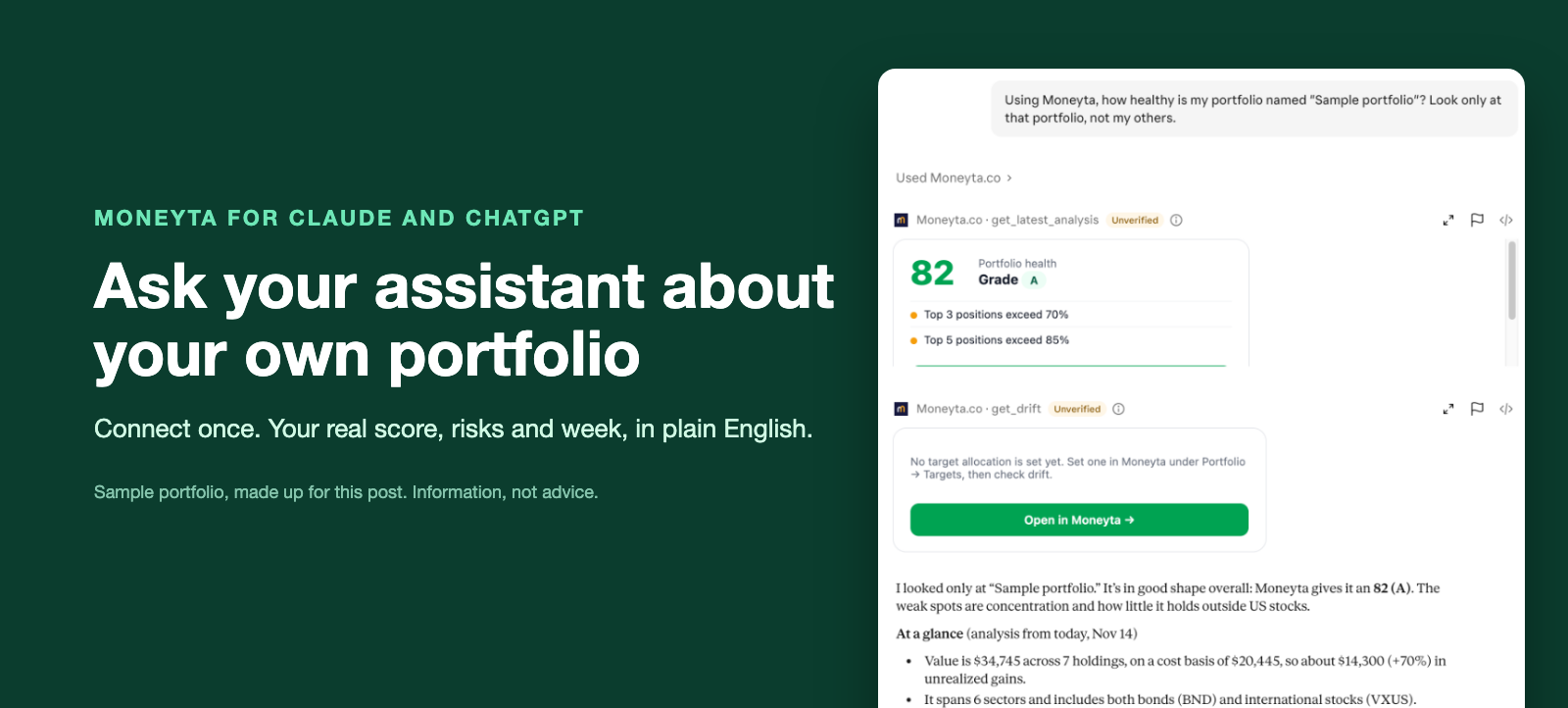
Ask a general assistant whether your portfolio is too concentrated and it has to guess, or ask you to paste your holdings. Ask it after connecting Moneyta and it reads the answer from your own account: which three holdings make up most of the value, how volatile the whole thing has been against the market, what changed this week. You keep asking follow-up questions in plain English, and every figure comes from the same place as your Moneyta dashboard.
The connection in four screens
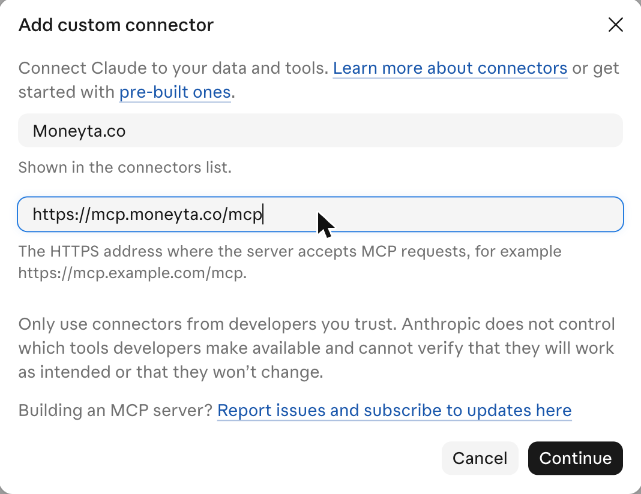
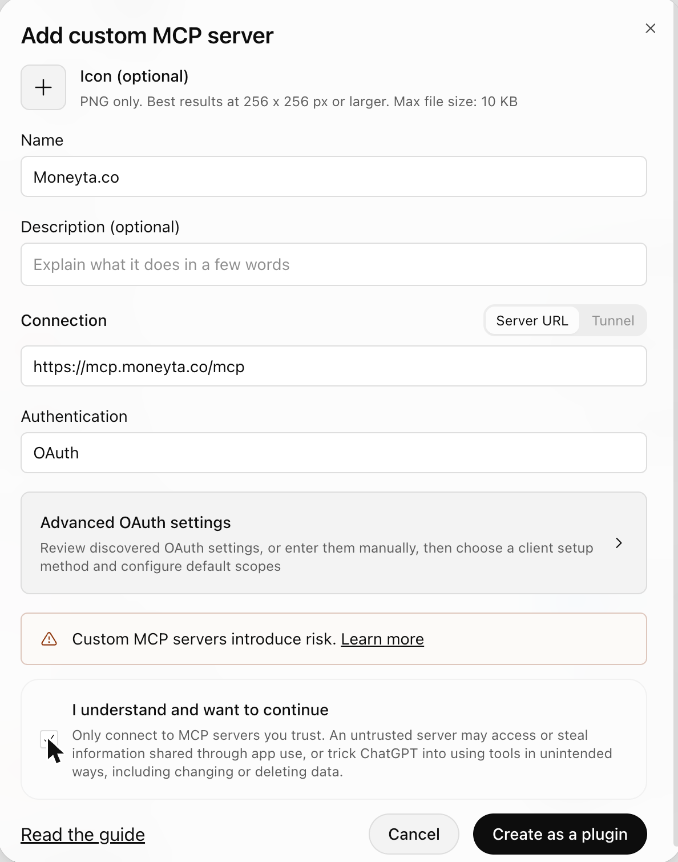
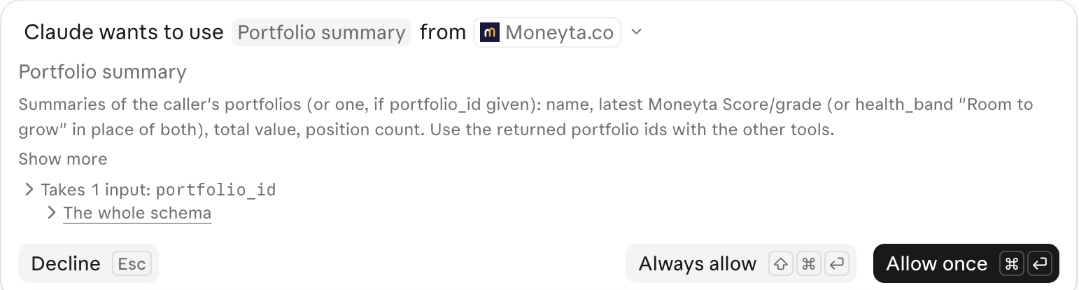
Both assistants use one address, https://mcp.moneyta.co/mcp. In Claude it lives under Customize, then Connectors; in ChatGPT under Plugins. You give it a name, paste the address and sign in to Moneyta.
Get your own Moneyta Score in about a minute.
Start freeTwo real answers
We built a sample portfolio of seven holdings (VTI, AAPL, MSFT, JNJ, BND, VXUS and XOM, all made up for this post) in an account on the Gold plan, and asked each assistant one question on November 14, 2026. On Free or Silver the same questions get a shorter answer, without the drift, correlation and risk figures. These are their actual answers, cropped, not rewritten.
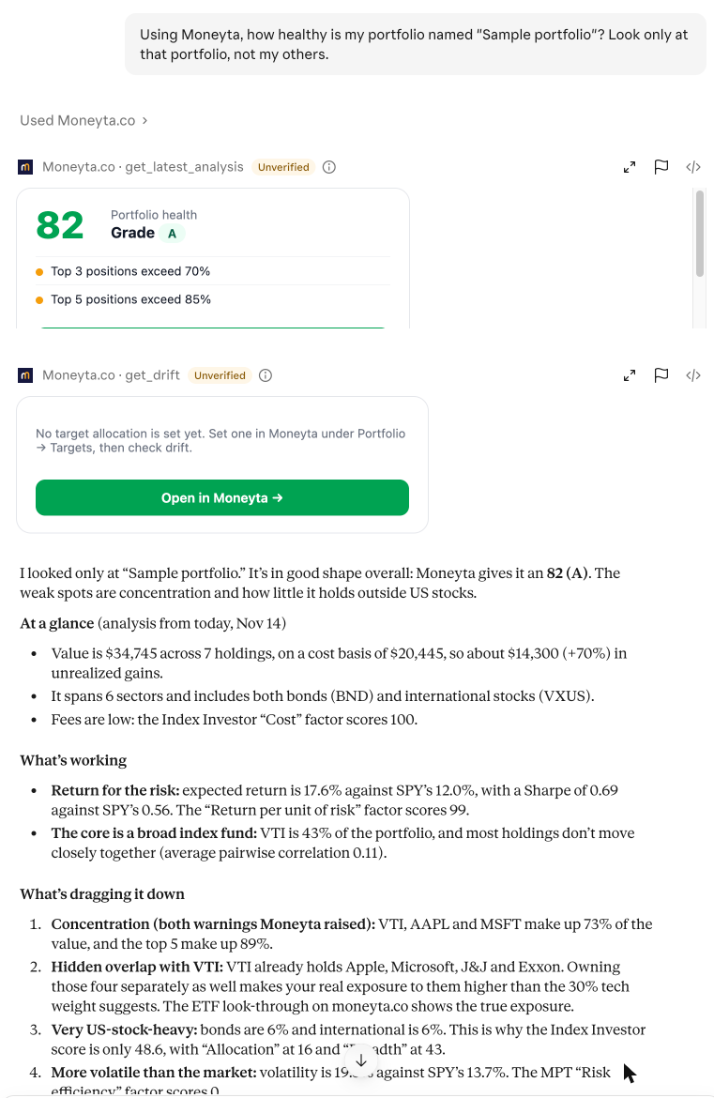
Claude led with Moneyta's score, then sorted the rest into what is working and what is dragging it down. The useful part is the overlap: VTI already holds Apple and Microsoft, so owning them separately as well makes the real exposure larger than the sector weights suggest.
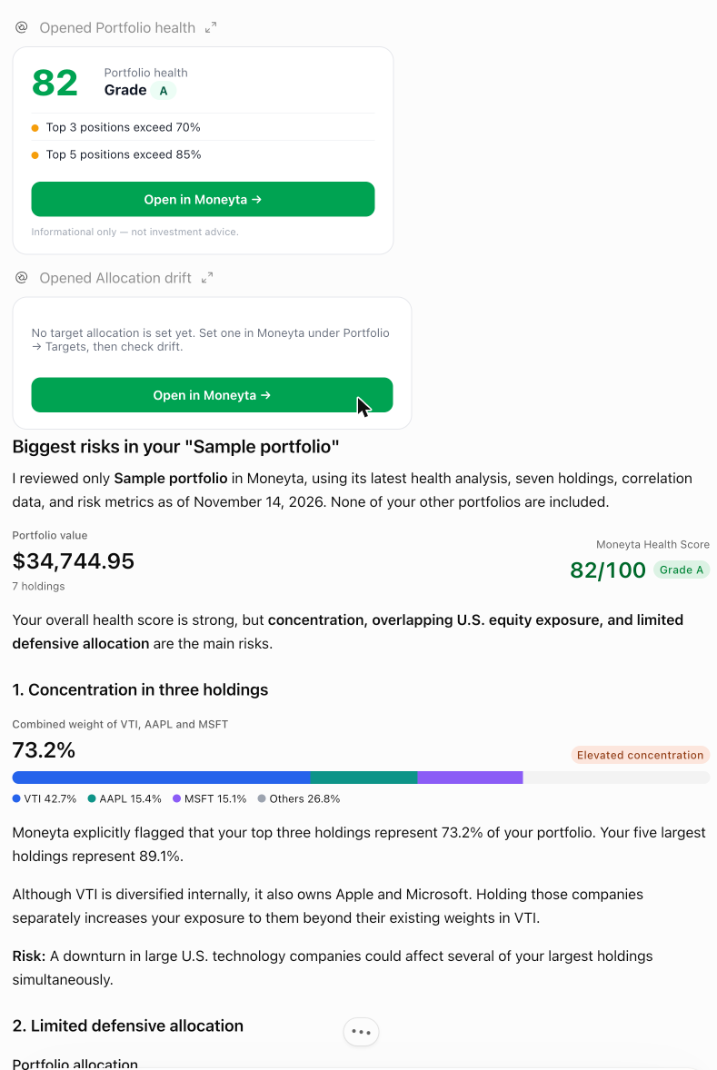
ChatGPT drew its own charts from the same figures and also explained a point that trips people up: the portfolio's beta is below 1 while its volatility is about 40 percent higher than the S&P 500's. Both are true, because beta only measures how much the portfolio moves with the market, not how much it moves in total.
More questions to try
- What changed in my portfolios this week?
- What's my net worth, and what moved it?
- Where are my fees going?
- How much did I earn in dividends this year?
- Which of my holdings move together? (Gold)
- Would buying 10 shares of NVDA help or hurt my portfolio? (Silver or Gold; uses one of your monthly idea checks, and the assistant asks first)
What each side does with your data
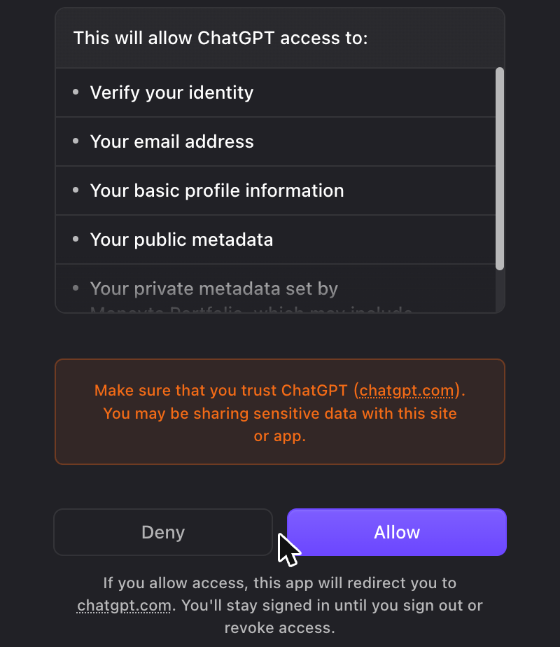
The connector runs only when you ask, returns only your own data, and keeps no copy of it. It can't place trades, move money or change your holdings, and your Vault is never sent through it. Once an answer reaches Claude or ChatGPT, it is handled under that provider's own privacy policy. ChatGPT says so on its connect screen, including that app data may be used to improve its models if you have that setting on, so it is worth checking your settings there.
The answers are information about your portfolio, not advice. Both assistants worked from Moneyta's figures; neither told us to buy or sell anything, and that is how it should be.
Start free, then connect your assistant
Start freeEvery new account starts with 14 days of Gold: every feature on, no card. Then Free, unless you choose a plan.
Frequently asked questions
Which assistants work with Moneyta?
Claude and ChatGPT, on plans that allow custom connectors. We tested on Claude Max and ChatGPT Plus in November 2026. Moneyta is added as a custom connector; it is not listed or endorsed by Anthropic or OpenAI.
Does connecting cost anything?
Connecting is free on every Moneyta plan, and the everyday questions are plain reads that work on Free. Four requests need Silver or Gold and spend a credit, a monthly idea check or a monthly report (a fresh analysis, an explanation of an observation, a trade-idea check, a research report), and the assistant is told to ask you first.
Can the assistant trade or move money?
No. The connector can read and explain your Moneyta data. It cannot place trades, move or withdraw money, change your holdings or open your Vault.